Nguyen_Vincent_Assignment_03.pde 522 lines
/*// --------------------[ Info ]-------------------- //

Assignment 03: Menu Screens
03/08/2017
Vincent Nguyen

// --------------------[ Blurb ]-------------------- //

Original Menu: http://vignette4.wikia.nocookie.net/undertale/images/c/cd/Menu0.png/revision/latest?cb=20160103054545

This is my submission for assignment 03: Menu Screens. The game I chose to recreate is Undertale. Compared to the original
menu screen, I've added clean borders to the buttons and a wider colour palette for the buttons. In my opinion, I like this
one better. It feels cozier than the original and somewhat nostalgic, like a homage to old RPGs like Final Fantasy.

// --------------------[ Table of Contents ]-------------------- //

01. Setting up variables
02. Void setup() and giving the variables values
03. Void draw() and the two main functions
04. Functions that draw the elements for each menu
05. Other functions

// --------------------[ Credits ]-------------------- //

All images, animations, music, and sound effects are from the game Undertale by Toby Fox

*/


// ==============================[ 01. Setting up variables ]============================== //


//Imports the Minim audio library
import ddf.minim.*;

//Sets up the minim audioplayers
Minim minim;
AudioPlayer music, dun, fightSound, hit, battle, ping;

//Sets up most of the variables
PFont font; //Undertale font
PImage titleImage, toriel, papyrus, sans, undyne, alphys, lines, stats, slash; //Images including title, characters, backgrounds, etc.
PImage[] images; //Image array for the fight animation
String menu, dialogue; //Strings used for what the current menu displayed should be and attack dialogue during the fight.
int prevTime, currTime, frame; //prevTime and currTime are both used as timers. They are integers so they aren't super accurate but whatever ¯\_('u')_/¯. frame is used for the animation.
color white, orange, yellow, grey; //Universal colours I use a lot and decided not to retype over and over again.


// ==============================[ 02. Void setup() and giving the variables values ]============================== //


void setup() {
  size(800, 600); //Sets the window size at 800x600. The original game was set at 640x480.
  load(); //Runs the load function, which is right below.
}

void load() { //Loads EVERYTHING

  //Fonts
  font = loadFont("DeterminationSans-36.vlw"); //Undertale font

  //Images
  titleImage = loadImage("title.png"); //Undertale title in the intro
  lines = loadImage("lines.png"); //Fight scene background
  stats = loadImage("stats.png"); //Health bar & level for fight scene
  slash = loadImage("attack.png"); //Slash image for attacking in the fight scene

  toriel = loadImage("toriel.png"); //All characters below
  papyrus = loadImage("papyrus.png");
  sans = loadImage("sans.png");
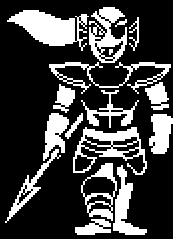
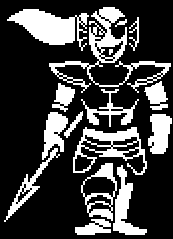
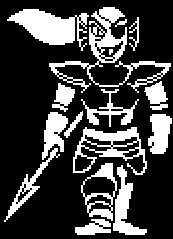
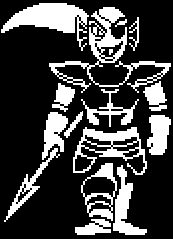
  undyne = loadImage("undyne.png");
  alphys = loadImage("alphys.png");


  //Loads the images for the animation array
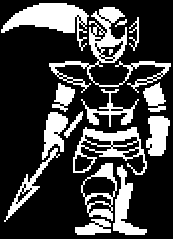
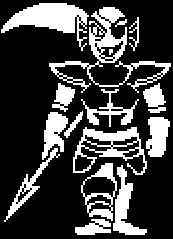
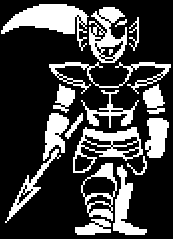
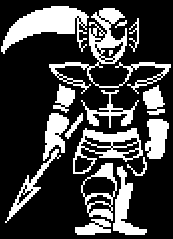
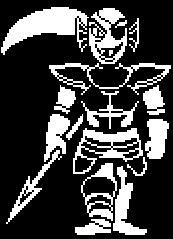
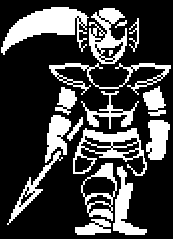
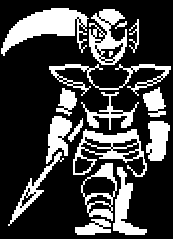
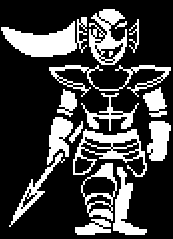
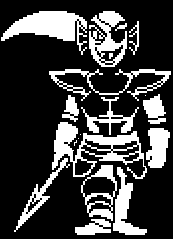
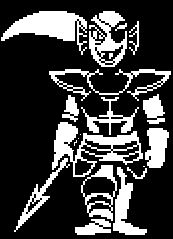
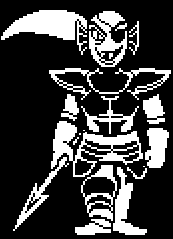
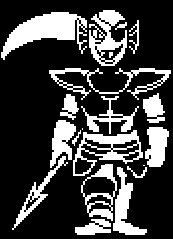
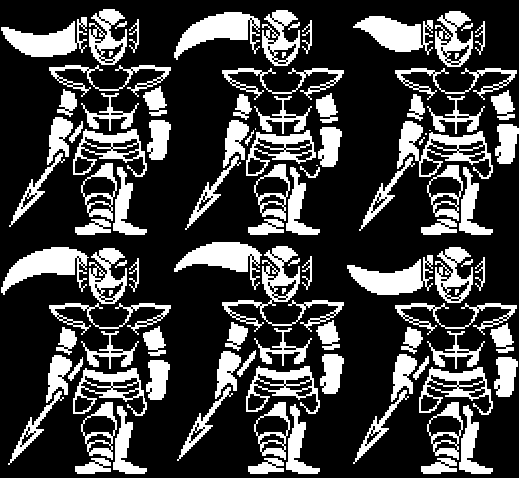
  images = new PImage[33]; //This animation has 33 frames and thus needs 33 images in the array

  for (int i = 0; i < 33; i++) { //for loop for each frame
    String filename = "Undyne_" + nf(i, 4) + ".png"; //Sets the string to images with the name "Undyne_xxxx.png" where xxxx is the array number.
    images[i] = loadImage(filename); //Loads each image
  }

  //Colours
  white = #FFFFFF; //So I don't have...
  orange = #FF9900; //To copy and paste...
  yellow = #FFF303; //Over and over again.
  grey = #; //You understand, right?

  //Audio
  minim = new Minim(this); //Minim setup

  music = minim.loadFile("menu.mp3"); //Main menu music
  dun = minim.loadFile("dun.mp3"); //Intro "Dun" noise
  fightSound = minim.loadFile("spear.mp3"); //Fight music
  hit = minim.loadFile("attack.mp3"); //When Undyne is hit in the fight scene
  battle = minim.loadFile("battle.mp3"); //When you engage in a fight (fight button)
  ping = minim.loadFile("ping.mp3"); //Button select sound

  //Setting the gain for the audio
  music.setGain(-14);
  dun.setGain(0);
  fightSound.setGain(-14);
  hit.setGain(4);
  battle.setGain(0);
  ping.setGain(-4); //All of this is to ensure our ears aren't destroyed when you run the program

  //Strings
  menu = "Intro"; //First menu displayed when the program is ran will be "Intro".
  dialogue = "* Undyne bounces impatiently."; //Dialogue for the fight scene.

  //Integers
  prevTime = second(); //To begin timing for the intro sequence

  //for Mr. Brichta
  rectMode(CENTER);
  textAlign(CENTER, CENTER);
}


// ==============================[ 03. Void draw() and the two main functions ]============================== //


// --------------------[ Just void draw() ]-------------------- //

void draw() { //Main two functions here! :)
  audio(); //All of the background audio is played here (ie: music)
  engine(); //The function who will defeat them all
}

// --------------------[ Plays the music for the intro, main menu, and fight sequence ]-------------------- //

void audio() { //Music time!

  if (menu == "Intro") { //If the menu is currently the intro sequence...

    music.pause(); //Pause the main theme in case it's playing (from the reset button)
    dun.play(); //Play the "DUN" noise for dramatic effect

  } else if (menu == "Main" || menu == "Info") { //Otherwise, if it's the main menu or info menu...

    dun.pause(); //Pause the "DUN" in case the player is a quickshot and sped through the intro
    fightSound.pause(); //Pause the fight music in case they've just returned from an intense battle

    if (music.isPlaying() != true) { //Check if the music is playing or not (to prevent infinite loops)
      music.pause(); //If it's not playing, pause...
      music.rewind(); //rewind...
    }

    music.play(); //and finally, play the main menu music!

  } else if (menu == "Fight") { //Otherwise, if it's the fight menu...

    music.pause(); //Pause the main menu music

    if (fightSound.isPlaying() != true) { //Same check as before. We don't want infinite rewinds.
      fightSound.pause(); //Pause if it's not playing and...
      fightSound.rewind(); //Rewind!
    }

    fightSound.play(); //Play the intense fight music!
  }
}

// --------------------[ Determines which menu will be displayed based on the variable ]-------------------- //

void engine() { //The main puppy of the program.

  background(#000000); //This is a thing. It's the colour 'jet black' by the way.

  if (menu == "Intro") { //If the menu displayed is the intro...

    title(); //Display that beautiful title!

  } else if (menu == "Main") { //If the menu displayed is the main menu...

    hub(); //Display the save file, your friends, and the three buttons. I call it the hub.

  } else if (menu == "Fight") { //If the menu displayed is the fight menu...

    fight(); //Display the fight elements

  } else if (menu == "Info") { //If the menu displayed is the info box...

    info(); //Display my little blurb with a back button

  } else if (menu == "Reset") { //If they decide to reset...

    reset(); //Give them what they want.
  }
}


// ==============================[ 04. Functions that draw the elements for each menu ]============================== //


// --------------------[ Title (for Intro) ]-------------------- //

void title() { //It just draws the title image. Oh and the text at the bottom too.

  //"UNDERTALE" image
  imageMode(CENTER);
  image(titleImage,width/2, height/2, width/3*2, height/5);

  //Code for the text/timer
  currTime = second(); //Uses the computer's clock to match seconds

  if ((currTime - prevTime) >= 3) { //If the current time is three seconds or longer (compared to when you started the program/reset), display the text

    noStroke(); //Filler things, no time to explain.
    fill(grey);
    textFont(font);
    textSize(28);
    text("Click anywhere to start", width/2, height/10*9); //A beautiful grey text box telling you that you may proceed.

    if (mousePressed) { //If the mouse is pressed while the text is on the screen
      menu = "Main"; //Move to the main menu!
      mousePressed = false; //and prevent glitchly loop things
    }
  }
}

// --------------------[ Hub (for Main menu) ]-------------------- //

void hub() { //The main menu's hub! Here we draw your save file, your friends, and your options.

  //Your friends! Most of them...
  image(undyne, (width/16*2.75), (height/2-15), 50, 125);
  image(alphys, (width/16*3.75), (height/2+5), 50, 80);
  image(toriel, width/2, height/2, 360, 180);
  image(papyrus, (width/16*12.25), (height/2-15), 75, 125);
  image(sans, (width/16*13.5), height/2, 60, 90);

  //I needed to put my name somewhere :)
  noStroke();
  fill(grey);
  textFont(font);
  textSize(28);
  text("Demo by Vincent Nguyen 2017", width/2, height/10*9.25);

  //A-ha! the infamous three buttons!
  buttonRect("Fight", width/5, height/5*4, width/4, height/8, white, orange, yellow); //Fight button
  buttonRect("Info", width/2, height/5*4, width/4, height/8, white, orange, yellow); //Info button
  buttonRect("Reset", width/5*4, height/5*4, width/4, height/8, white, orange, yellow); //Reset button
  //To learn more about this fantastic trio, head down further to find my button code.

  //Save file info. It's static for now.
  infoBox("Frisk    LV 1    0:00\nRuins - Leaf Pile    ", width/2, height/6, width/8*7, height/5);
}

// --------------------[ Fight ]-------------------- //

void fight() { //The fight menu is finally here

  buttonEllipse("FIGHT", width/2, height/8*7.2, width/6, height/6, orange, yellow, yellow); //is that a button ELLIPSE? Whoa! New function is new! Code is further below.
  buttonRect("Main", width/5*4, height/8*7.2, width/4, height/8, orange, yellow, yellow); //Regular ol' button rect

  //Some images. The background grid and the Lvl/HP stats
  image(lines, width/2, height/4*0.9, width*0.98, height/2*0.88);
  image(stats, width/2, height/8*6.25, width/3, height/32);

  gif(); //The best thing here. The function that plays the animation of Undyne.

  infoBox(dialogue, width/2, height/5*3, width/8*7, height/4*1.15); //The dynamic dialogue box

  currTime = second(); //More timer stuff. Records the current time in seconds based on the computer's clock

  if ((currTime - prevTime) <= 1) { //If the time between the button press and the current time is less than or equal to 1 second...

    dialogue = "* You hit Undyne!"; //Change the dynamic dialogue box
    image(slash, width/2*1.1, height/4, 400, 400); //and Display the slash image

  } else {

    dialogue = "* Undyne bounces impatiently."; //Otherwise, just revert back to the regular flavour text
  }
}

// --------------------[ Info ]-------------------- //

void info() { //Displays the info screen!

  //Really long and tedious info box which is just a copy paste from the header.
  infoBox("Hello!\nThis is my submission for assignment\n03: Menu Screens! The game I chose to\nrecreate is Undertale. Compared to the\noriginal menu screen, I've added clean\nborders to the buttons and a wider\ncolour palette for the buttons. IMO,\nI like this one better. It feels cozier\nthan the original and somewhat nostalgic.\n\nThanks for reading! -Vincent", width/2, height/2.4, width/12*11, height/1.4);

  buttonRect("Main", width/2, height/16*14.5, width/4, height/8, white, orange, yellow); //Back button
}

// --------------------[ Reset ]-------------------- //

void reset() { //You want to reset? Alrighty then.

  dun.pause(); //Rewind that DUN noise for the audience
  dun.rewind(); //woohoo

  prevTime = second(); //Start the timer again
  menu = "Intro"; //Bring that menu back to the intro please
}


// ==============================[ 05. Other functions ]============================== //


// --------------------[ Animation ]-------------------- //

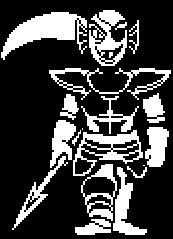
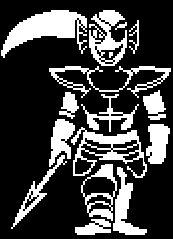
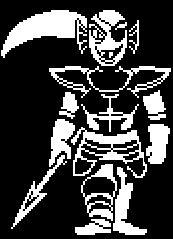
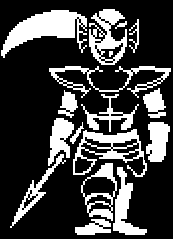
void gif() { //Plays through the entire animation for Undyne
  frame = (frame+1) % 33; //Goes through each frame until it reaches 33 and loops
  image(images[frame], width/2*0.95, height/4); //Displays the gif!
}

// --------------------[ Text Box ]-------------------- //

void infoBox(String t, float x, float y, float w, float h) { //Simple function to make a simple text box.

  //Rectangle
  stroke(white);
  strokeWeight(5);
  fill(#000000);
  rectMode(CENTER);
  rect(x, y, w, h); //Creates a rectangle with a clean border at the designated values.

  //Text
  noStroke();
  fill(white);
  textFont(font);
  textSize(32);
  text(t, x, y); //Creates text with the designated string and x-y values.
}

// --------------------[ Rectangular button ]-------------------- //

void buttonRect(String t, float x, float y, float w, float h, color idle, color rollover, color clicked) { //The infamouse button code. Welcome to the new world!

  color current; //Variable for the current colour of the button

  if (rolloverRect(x, y, w, h) == true) { //If the mouse rolls over the designated values...

    current = rollover; //The colour becomes the given rollover colour

    if (clickedRect(x, y, w, h) == true) { //If the mouse also clicks...

      //Lazy code
      if (t != "Fight") { //If the button is not "Fight"...

        ping.pause();
        ping.rewind();
        ping.play(); //Pause, rewind, and play the ping noise.

      } else { //Otherwise, play the battle engage noise (for "Fight")

        battle.pause();
        battle.rewind();
        battle.play(); //Pause, rewind, and play the battle noise.

      }

      current = clicked; //The colour becomes the given clicked colour
      menu = t; //The menu changes to the value of the string
    }

  } else { //If the mouse is not over the button...

    current = idle; //The colour becomes the given idle colour
  }

  //Finally, draw the button with the final values.

  //Rectangle
  stroke(current);
  strokeWeight(5);
  fill(#000000);
  rectMode(CENTER);
  rect(x, y, w, h); //Creates a rectangle with a clean border at the designated values.

  //Text
  noStroke();
  fill(current);
  textFont(font);
  textSize(32);
  text(t, x, y); //Creates text with the designated string and x-y values.
}

boolean rolloverRect(float x, float y, float w, float h) { //Boolean to check whether the mouse is rolling over the coords

  boolean hit; //Create a temporary boolean variable

  if (mouseX >= (x-w/2) &&
    mouseX <= (x+w/2) &&
    mouseY >= (y-h/2) &&
    mouseY <= (y+h/2)) { //If the mouse is indeed over the square area...

    hit = true; //Set the hit value to true

  } else {

    hit = false; //Otherwise, hit value is false

  }

  return hit; //Finally, return the hit value.
}

boolean clickedRect(float x, float y, float w, float h) { //Boolean to check whether the mouse is clicked over the coords

  boolean hit; //Create a temporary boolean variable

  if (mouseX >= (x-w/2) &&
    mouseX <= (x+w/2) &&
    mouseY >= (y-h/2) &&
    mouseY <= (y+h/2) &&
    mousePressed == true) { //If the mouse is over the given area AND the mouse is pressed...

    hit = true; //Set the hit value to true

    mousePressed = false; //Stops the infinite loop

  } else {

    hit = false; //Otherwise, hit value is false

  }

  return hit; //Finally, return the hit value.
}

// --------------------[ Elliptic button ]-------------------- //

void buttonEllipse(String t, float x, float y, float w, float h, color idle, color rollover, color clicked) { //Pretty much the same code as the rectangular button... but with round things!

  color current; //Variable for the current colour of the button

  if (rolloverEllipse(x, y, w, h) == true) { //If the mouse rolls over the designated values...

    current = rollover; //The colour becomes the given rollover colour

    if (clickedEllipse(x, y, w, h) == true) { //If the mouse also clicks...

      if (t == "FIGHT") { //If the button says "FIGHT"...

        hit.pause(); //play the attack/slash noise
        hit.rewind();
        hit.play(); //This is just very lazy code

        prevTime = second(); //Sets the timer for the attack dialogue and slash image

      }

      current = clicked; //The colour becomes the given clicked colour

    }

  } else { //If the mouse is not over the button...

    current = idle; //The colour becomes the given idle colour
  }

  //Finally, draw the button with the final values

  //Ellipse
  stroke(current);
  strokeWeight(5);
  fill(#000000);
  ellipse(x, y, w, h); //Creates an Ellipse with a clean border at the designated values.

  //Text
  noStroke();
  fill(current);
  textFont(font);
  textSize(32);
  text(t, x, y); //Creates text with the designated string and x-y values.
}

boolean rolloverEllipse(float x, float y, float w, float h) { //Boolean to check whether the mouse is rolling over the coords (in a circular area)

  boolean hit;//Create a temporary boolean variable
  float d = (w+h)/2; //Temperory float with the average of the width and height (diameter)

  if (dist(mouseX, mouseY, x, y) <= d/2) { //If the distance between the mouse and the center of the circle is shorter than the radius...

    hit = true; //Set the hit value to true

  } else {

    hit = false; //Otherwise, hit value is false

  }

  return hit; //Finally, return the hit value.

}

boolean clickedEllipse(float x, float y, float w, float h) { //Boolean to check whether the mouse is clicked over the coords (in a circular area)

  boolean hit;//Create a temporary boolean variable
  float d = (w+h)/2; //Temperory float with the average of the width and height (diameter)

  if (dist(mouseX, mouseY, x, y) <= d/2 && mousePressed == true) { //If the distance between the mouse and the center of the circle is shorter than the radius AND the mouse is clicked...

    hit = true; //Set the hit value to true

    mousePressed = false; //Prevent the infinite loops

  } else {

    hit = false; //Otherwise, hit value is false

  }

  return hit; //Finally, return the hit value.

}
read-only archive source from /2017/Assignments/A03 - Menu Screen/03-08-2017/Nguyen_Vincent_Assignment_03/Nguyen_Vincent_Assignment_03.pde